
San Antonio · Title & Escrow
Close at our office,
at home, or virtually.
Tell us where you’d like to sign. Your Cantera escrow team will confirm the options for your file and coordinate the details with you, your agent, and your lender.

Find my closing tool
Choose your role for a closing estimate, a preparation checklist, or a Realtor workspace.
 I’m buying a property
See how your purchase price, down payment, and closing costs affect the cash you may need at signing.
Estimate my cash to close Open the buyer checklist I’m selling a property
Enter your expected sale price and loan payoff to estimate what you could take home after closing costs.
Estimate my net proceeds Open the seller checklist I’m a Realtor or broker
Explore a sample listing presentation, or sign in to see your files and closing milestones.
View a listing package (PDF) My Closings (members) All Realtor and broker toolsYour signing appointment
Where would you like to close?
Choose a setting to see what to expect. Your escrow officer will confirm scheduling, identification requirements, and whether your documents and lender allow your preferred option.
Cantera NetSheets · Realtor & broker platform
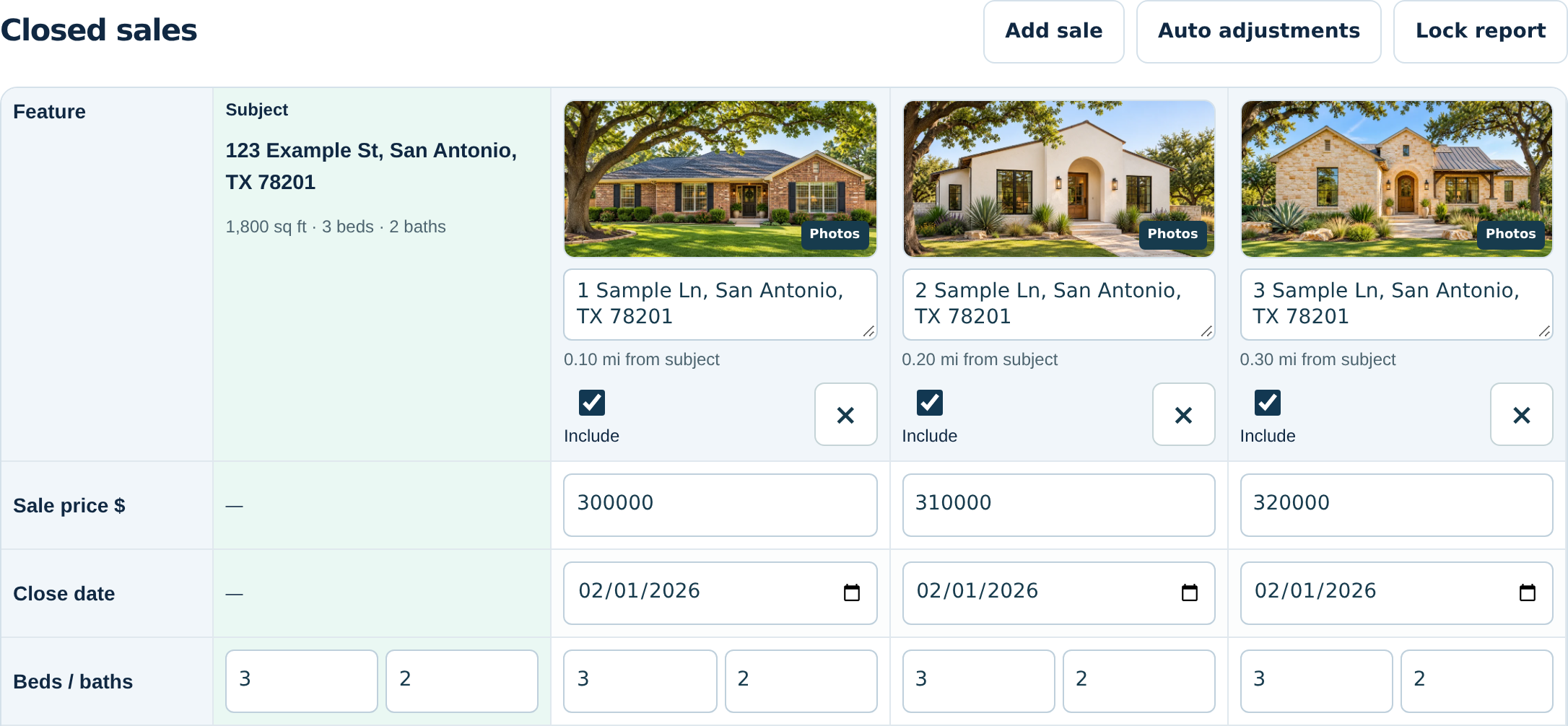
Run your next deal in NetSheets.
Walk into a listing appointment with a branded seller net sheet and comparable sales. When the contract is signed, submit it to Cantera and follow the file in My Closings.

Your local closing team
Have a file in mind?
Call the office about a contract, a signing appointment, or a question on a closing already underway.